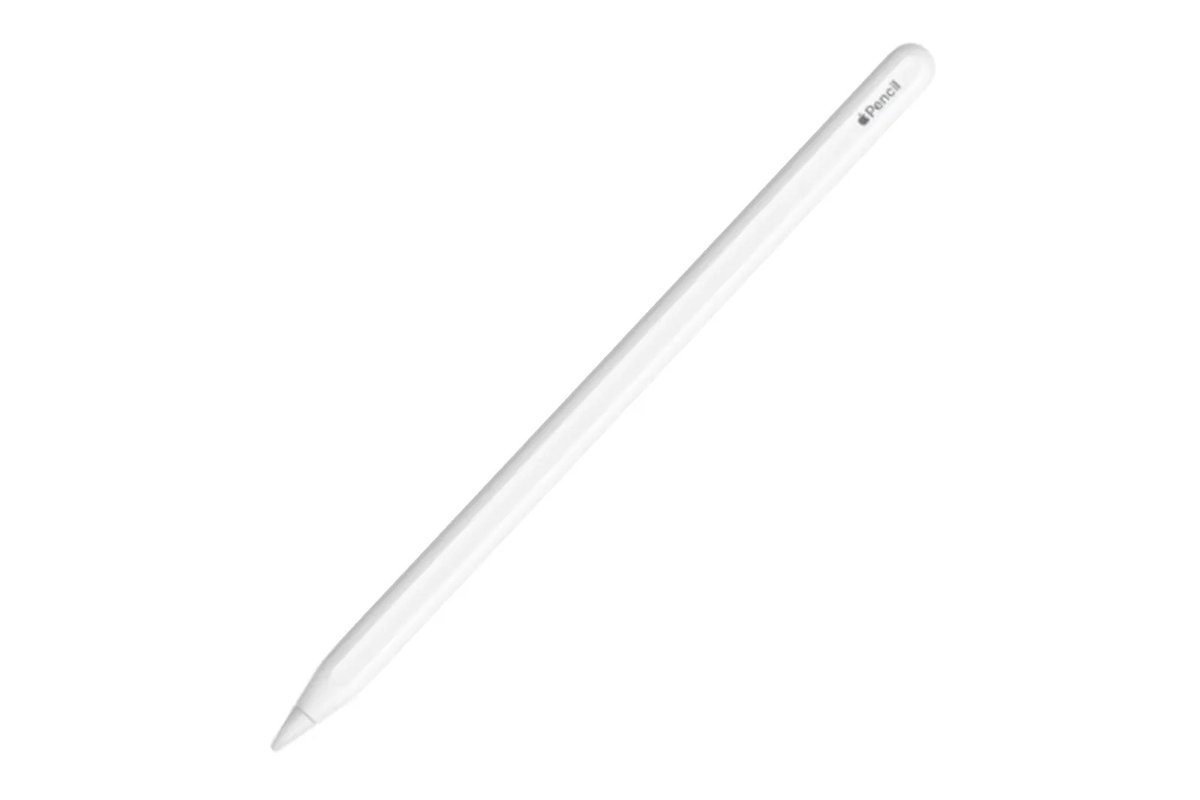
Your 10th generation iPad is a fantastic device, blending power with portability, vibrant display, and a streamlined design. But to truly unlock its potential for creativity, precise note-taking, and enhanced productivity, an Apple Pencil is an indispensable companion. Gone are the days of wondering if you can even use a stylus; with your iPad, it's about choosing the right Apple Pencil to elevate your experience.
We know the world of Apple accessories can sometimes feel a little tangled, especially with multiple Apple Pencil generations available. But don't worry, we're here to cut through the confusion and guide you directly to the perfect match for your 10th generation device. This hub will navigate you through your choices, help you understand their unique features, and show you how to get the most out of your digital companion.
Discovering Your Apple Pencil Compatibility
The first step in enhancing your iPad experience is understanding which Apple Pencils actually work with your specific model. For the 10th generation iPad, Apple offers two distinct choices, and it's crucial to pick one that integrates seamlessly. Selecting the wrong Pencil means it simply won't pair or function with your device.
Forget the latest Apple Pencil Pro or the popular 2nd generation Apple Pencil; these models are not compatible with your iPad (10th generation). Instead, your options narrow down to either the original Apple Pencil (1st generation) or the more recently released Apple Pencil (USB-C). Each brings its own set of advantages and a slightly different way of connecting and charging.
For a complete rundown and to ensure you're making an informed decision, you can dive deeper into Apple Pencil compatibility for iPad 10th. This dedicated guide breaks down everything you need to know about what works and what doesn't, saving you time and potential frustration.
A Closer Look at Your Apple Pencil Choices: 1st Gen vs. USB-C
Once you know which Pencils are compatible, the real decision-making begins. Both the Apple Pencil (1st generation) and the Apple Pencil (USB-C) transform your 10th generation iPad into a versatile canvas and notebook, but they differ in key features, charging methods, and even their physical design. Understanding these nuances will help you select the best tool for your personal workflow and budget.
The Apple Pencil (1st generation) offers classic pressure sensitivity, making it a favorite for artists who rely on varying line thickness with their stroke, alongside pixel-perfect accuracy and tilt sensitivity. However, it requires a special USB-C to Apple Pencil Adapter for both pairing and charging with your 10th gen iPad's USB-C port, which is sold separately and adds an extra step to its use.
The Apple Pencil (USB-C), on the other hand, boasts pixel-perfect accuracy, incredibly low latency, and tilt sensitivity, providing a natural drawing and writing experience. It connects and charges conveniently via a USB-C cable, plugging directly into your iPad, offering a more streamlined experience without needing an additional adapter. While it offers Apple Pencil hover with compatible iPad Pro models, this specific feature isn't available when used with the 10th generation iPad.
Deciding between these two can depend on your primary use case, how much convenience you prioritize, and your need for traditional pressure sensitivity. To explore a detailed side-by-side comparison and help you determine Which Apple Pencil for iPad 10?, our comprehensive guide is ready to assist with all the details.
Seamless Setup and Charging for Uninterrupted Creativity
Getting started with your new Apple Pencil should be effortless, allowing you to jump straight into creating or taking notes without delay. Both compatible Pencils have distinct setup and charging processes when paired with your 10th generation iPad, and understanding these differences is key to a smooth and uninterrupted experience. The connection method is arguably the most significant practical difference between the two models for 10th gen iPad users.
For the Apple Pencil (1st generation), you'll utilize the USB-C to Apple Pencil Adapter to both pair and charge it with your iPad. This involves connecting the Pencil to one end of the adapter and a USB-C cable (like the one that came with your iPad) to the other, which then plugs into your iPad. This ensures compatibility between the Pencil's Lightning connector and your iPad's USB-C port.
The Apple Pencil (USB-C) simplifies things significantly. You can directly connect it to your iPad's USB-C port with a standard USB-C charging cable for immediate pairing and charging. This design choice provides a more integrated experience. Additionally, the Apple Pencil (USB-C) features a magnetic attachment that conveniently snaps to the side of your iPad for easy storage, though it charges via cable rather than inductively.
To walk you through each step, from initial pairing to keeping your Pencil powered up for every idea, look no further than our dedicated guide on how to Setup and charge your Pencil.
Unleashing Your Potential: Features and Best Uses
With your Apple Pencil now paired and charged, it's time to discover the incredible versatility it brings to your 10th generation iPad. Whether you're a student needing to annotate PDFs, an artist sketching ideas, a professional marking up documents, or simply love jotting down quick notes, the Apple Pencil transforms how you interact with your device. It makes digital tasks feel as natural and intuitive as working with paper and pen.
Experience pixel-perfect precision for detailed drawings and handwriting, enjoy the natural feel of writing with imperceptible lag, and utilize tilt sensitivity for dynamic shading effects in your artwork. These features make everything from signing digital forms to sketching digital masterpieces feel responsive and truly intuitive, enhancing both your productivity and your creative output.
Beyond the core functionality, the Apple Pencil opens doors to more efficient workflows, allowing for quick markups in PDFs, precise selections in photo editing, and engaging interactive learning experiences. To truly grasp the breadth of possibilities and Explore Apple Pencil features on iPad, dive into our dedicated pillar, which covers practical applications and creative techniques.
Powering Your Productivity and Creativity with Top Apps
The true magic of the Apple Pencil truly comes alive when paired with the right applications. The App Store is brimming with incredible tools that leverage the precision and responsiveness of your Pencil, turning your iPad into a powerful creative studio, a dynamic notebook, or an indispensable productivity assistant. The right app can amplify the capabilities of your Apple Pencil, transforming your iPad into exactly what you need it to be.
From robust note-taking apps that mimic real paper, offering endless digital notebooks and organizational features, to sophisticated drawing and design suites that provide professional-grade tools, there's an app for every need and skill level. Imagine sketching out complex architectural designs, marking up presentations with detailed annotations, or even composing music with the fluidity and control only an Apple Pencil can provide.
Don't let your Apple Pencil sit idle; discover the applications that will truly elevate your iPad experience and unleash its full potential. We've curated a list of essential tools and hidden gems to help you Explore top Apple Pencil apps and unlock new levels of creativity and efficiency in every aspect of your digital life.
Ready to Transform Your iPad Experience?
Your 10th generation iPad is already a powerful device, but integrating an Apple Pencil is like unlocking a new dimension of interaction. Whether you opt for the classic responsiveness of the 1st generation (with its required adapter) or the streamlined convenience of the USB-C model, you're investing in a tool that will fundamentally enhance your daily tasks, creative pursuits, and learning journey.
Embrace the precision, freedom, and intuitive control that an Apple Pencil brings. No matter your choice, this small but mighty accessory stands ready to make your digital life more intuitive, expressive, and productive. Take the leap and discover how an Apple Pencil can redefine your iPad experience, turning your ideas into reality with every stroke.